Mobile development
Let a cloud agent debug on the real Android phone on your desk
There is no phone in a cloud sandbox. Once connected to your machine, the agent can install packages, read logs, take screenshots and reproduce crashes via adb, closing real-device issues on the spot.
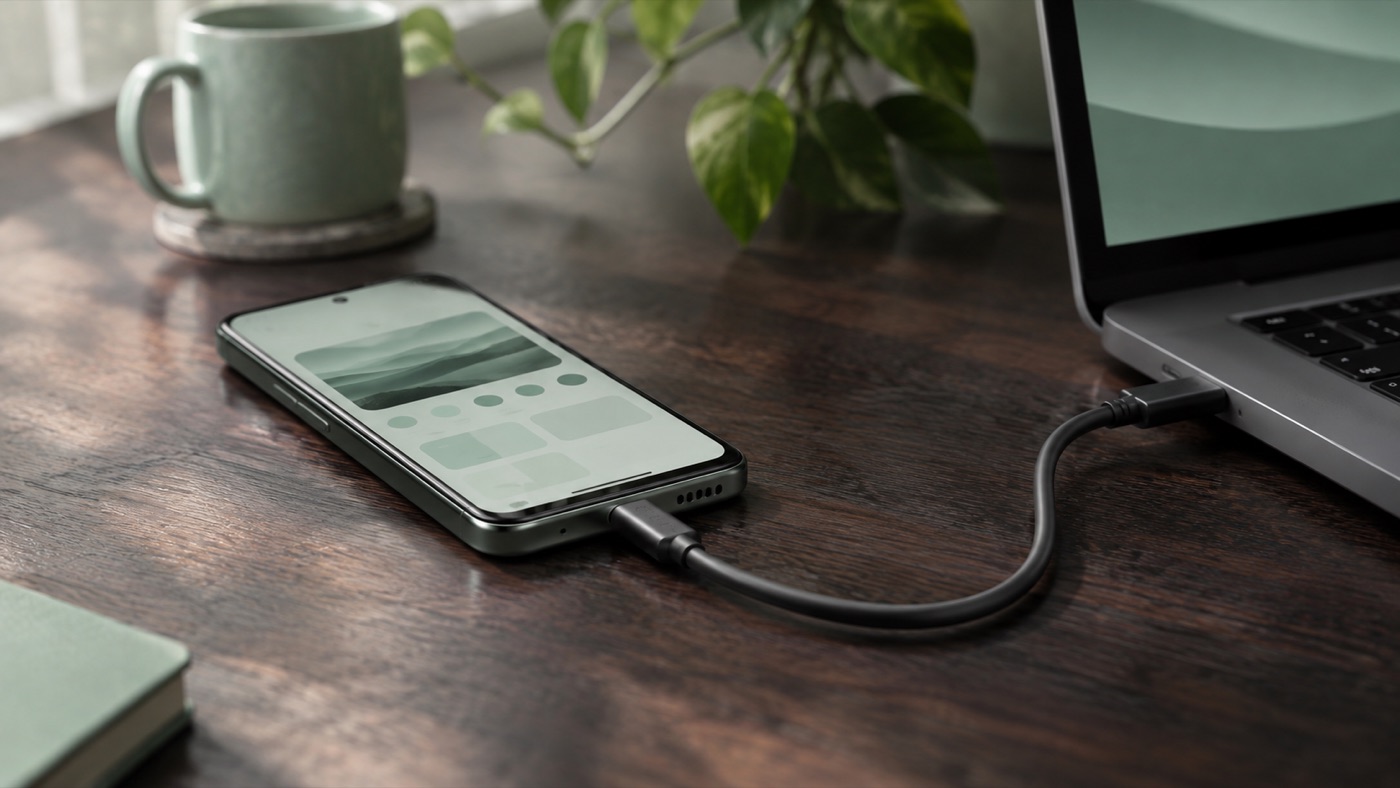
云端 agent 的盲区: 它摸不到真机
移动端最难查的问题, 往往只in某真机上出现: 某个厂商 ROM 的权限弹窗, 某个分辨率下的布局错位, 只有in弱网下才触发的崩溃. 云端 agent 再聪明, 它的沙箱里也没有一部手机.
而你的电脑上, 手机已经通过 USB 连好了, adb devices 能看到它.
接入本机之后, agent 能做什么
- 用
adb install把刚编好的包装到你的手机上 - 用
adb logcat过滤出崩溃堆栈, 对照源码定位问题 - 用
adb shell screencap截图, 再用图片能力看页面Yes不Yes真的错位了 - 改代码, 重新编译, 重新Install, 一轮一轮验证, 直到问题消失
整个过程都in你的Terminal里实时显示, 你可以随时插话: "先别改布局, 看看Yes不Yes字体缩放导致的. "
你可以这样说
我手机上打开订单详情页就闪退, 帮我抓一下 logcat 找原因并修掉, 修完重新装到手机上验证.
in我连着的这手机上截个图, 看看Settings页底部的按钮Yes不Yes被导航栏挡住了.
Why必须in本地
真机Yes物理Devices, 只能挂in你的电脑上. 与其把日志, 截图一张张Copy给 agent, 不如直接让它in接着手机的那电脑上工作. 你负责插好线, 剩下的交给它.
小贴士
- 第一次使用前, Confirm手机已开启 USB 调试, 并in电脑上授权过
- 如果担心误Action, 可以inConsole里关掉"自动审批", 每次Install和执行命令前都会先问你
Let the agent finish the job on your computer
3 minutes to get started; the free plan is always available.
Get started for free →